
Streamline workflows
Initiate and automate static code analysis in your existing IDEs, source code management systems, and CI tools, with results integrated right into your developer tools and workflows.
Focus on real defects
Eliminate the noise of false positives so you can spend less time triaging results and more time delivering real value.
Find issues early in the SDLC
Code defects are easiest to resolve when they’re identified early, before they can impact release timelines or users. With Synopsys, you can initiate static code analysis at multiple points in the SDLC, allowing you to optimize testing to match the way your teams work.
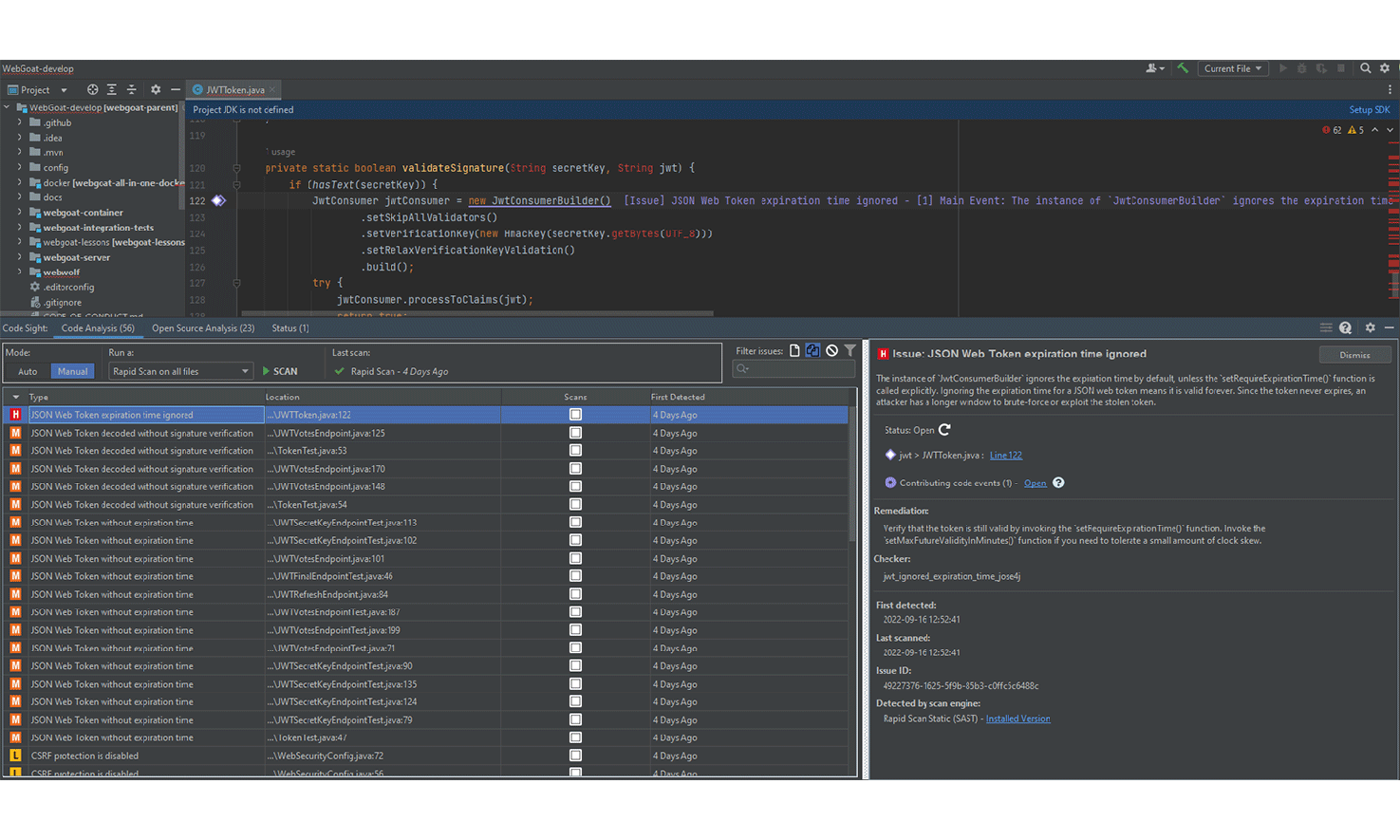
- Run in real time in the IDE
- Developers are notified of vulnerabilities and code quality issues in real time as they code, preventing issues from being checked in to the code repository.
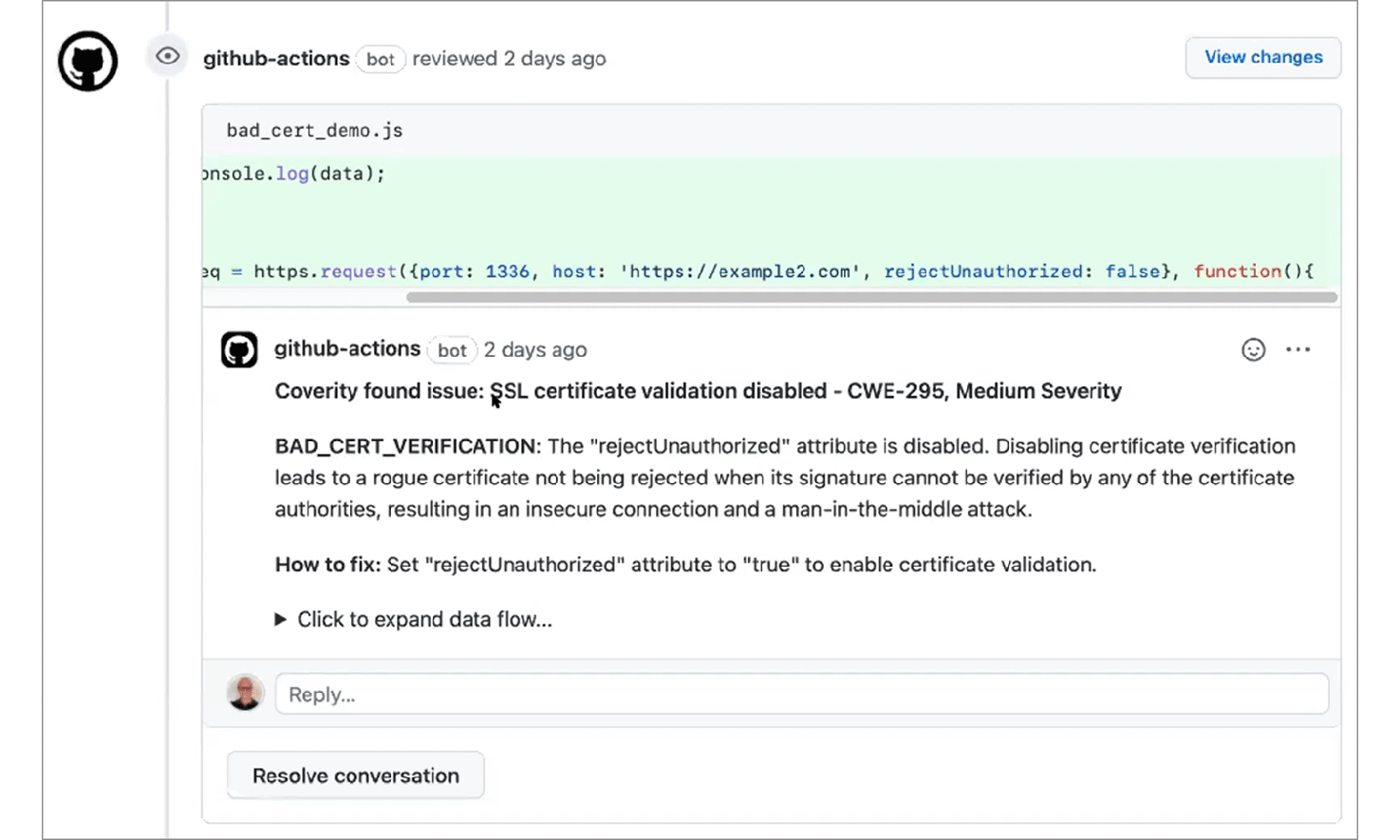
- Trigger on pull requests
- Incremental scans identify issues in any code that’s changed since the previous scan, with integrations into popular source code management systems, such as GitHub, GitLab, and Bitbucket.
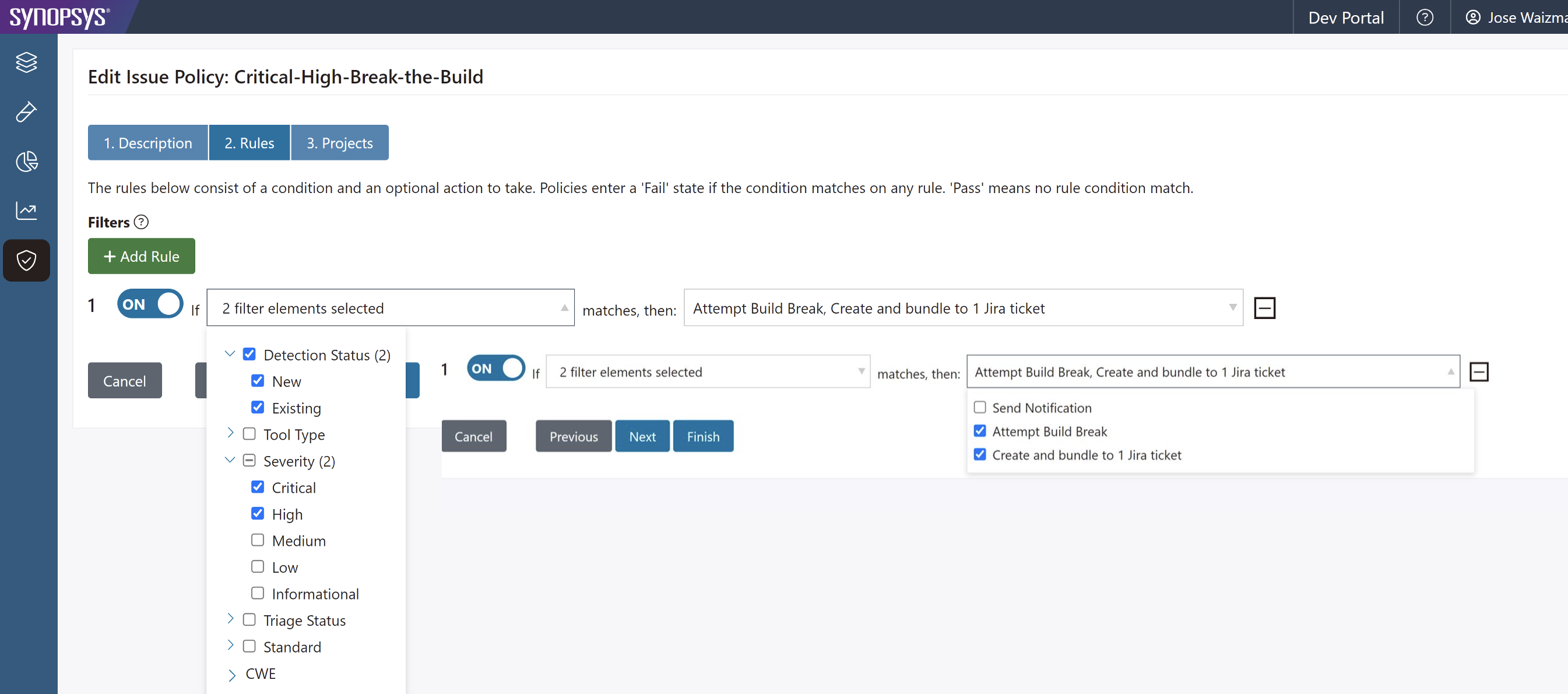
- Automate in CI pipelines
- Full application scans identify security or quality issues that haven’t yet been resolved, with the ability to break the build if policy violations exist.
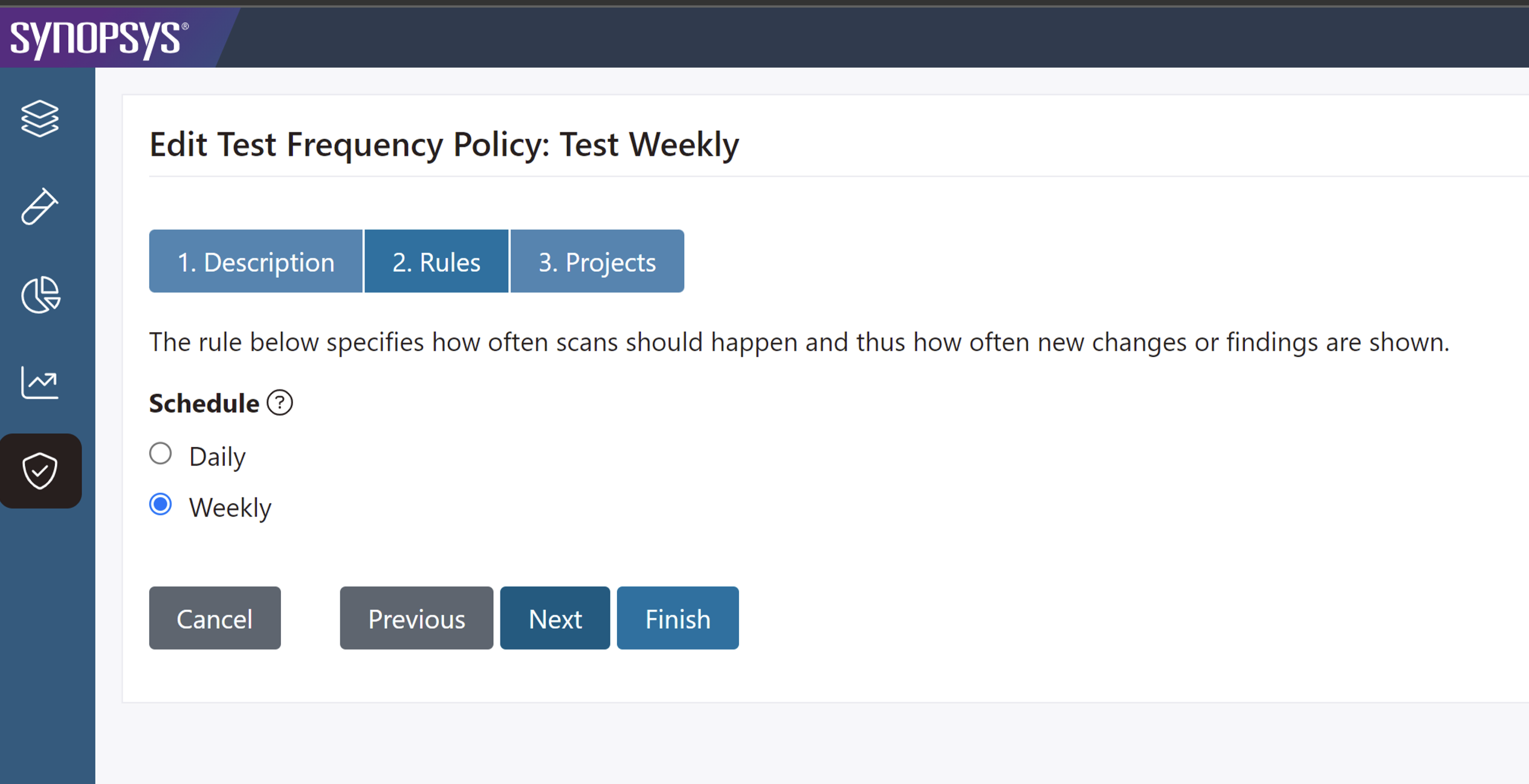
- Scheduled full scans
- Comprehensive static application security testing can be run periodically to identify any critical security or quality defects across the full application.
Accurate static code analysis when and where you need it
No matter what your development stack looks like, with Synopsys, you can integrate SAST seamlessly into your development and DevOps workflows and toolchains.

In the cloud
Looking for an easy-to-use SaaS solution optimized for modern development? Polaris fAST Static lets you onboard and begin scanning in minutes to uncover vulnerable source code, hard-coded secrets, or misconfigured infrastructure-as-code templates. Automated scans can be triggered by source code management and CI events.

On premises
Do you need a static analysis solution that can be deployed in your environment? Software Risk Manager integrates SAST into a unified application security posture management (ASPM) solution with centralized policy management, test orchestration, issue prioritization, and remediation tracking.

In the IDE
Want to shift security testing left without slowing developers down? With the Code Sight™ IDE plug-in, developers can find and fix security issues in real time as they code. Fast, incremental scans save developers time by flagging security defects and suggesting fixes right in the IDE, so they can be fixed before check-in.

Universal static code analysis scan engine
Our static analysis solutions are built on a universal scan engine that delivers the same fast, accurate, and scalable results in the cloud, on premises, and in the IDE.
Comprehensive language and framework support
Our deep understanding of 20+ languages and 200+ frameworks adds context to results, improving security testing accuracy and reducing false positives.
Fast scans at just the right time
Fast incremental scans can be triggered at any step of the SDLC, and in-depth application scans can be run as needed.
Configurable checkers to fit your needs
Security checkers are tuned to eliminate false positives by default, and can be configured to best fit your application risk profile.
The Synopsys advantage
Synopsys provides the market’s most comprehensive static analysis solutions, with the flexibility to uncover security and quality issues in any application, across a diverse set of technologies, and with integrations into common developer workflows.

Developer velocity
SAST results are provided right within existing workflows, so developers can eliminate defects quickly without leaving their favorite tools. Highly accurate results further improve efficiency by allowing developers to focus on real issues rather than wasting time triaging false positives.
Pinpoint accuracy
The Synopsys scan engine can uncover complex issues that span multiple files and libraries. Security and quality checkers can be tuned to best match each application profile, so both developers and security teams get the results they need.
Enterprise scale
Synopsys customers routinely scan some of the largest applications in the world, including those with thousands of developers and tens of millions of lines of code. No matter how big your applications are, our SAST scans deliver consistently accurate results.
Security and quality compliance
Policy-based scans and built-in reports make it easy to track and manage compliance with the coding standards that matter to your business. Insights into issue types and severity help prioritize remediation efforts and track progress across teams and projects.
Customer testimonials
Quote
"Using Coverity has helped enhance our mandate to ensure code quality and security, as well as to enforce our compliance with SEI-CERT coding standards for C, C++, and Java, and MISRA standards for C."
THALES ALENIA SPACE
Quote
"Coverity gave us a code quality approach that was very efficient, especially given the multimillion lines of code that needed to be scanned."
MEGA INTERNATIONAL
Over 4,000 organizations worldwide trust Synopsys







49 out of the Fortune 100
Software Companies

Six out of the Top 10
Financial Services Companies

Ten out of the Top 10
Technology Companies

Six out of the Top 10
Healthcare Companies
More static analysis resources


The Forrester Wave™: Static Application Security Testing, Q3 2023
SAST is critical for finding and fixing security and quality issues in your code
See why Synopsys is a SAST Leader
Ensuring Software Reliability and Security from Design Through Development
Learn how Thales Alenia Space uses Coverity to ensure code quality and security
